Project Spotlight
Tech to Treasure
Turning e-waste into educational tools and responsible recycling.
A Device's Second Chance
Millions of electronics are discarded each year, often without proper recycling, contributing to growing e‑waste and environmental harm. Tech to Treasure addresses this issue while inspiring the next generation of innovators.
What We Do
How It Works
Collection & EducationWe gather unused devices and transform them into educational tools through free, interactive workshops.
Hands‑On LearningStudents disassemble devices to learn about CPU, RAM, storage, circuit boards, cooling, and power systems.
Responsible RecyclingAfter sessions, remaining parts are responsibly recycled through e-waste channels with our recycling partners.
Environmental Bootcamp
2 Bootcamps. 35+ Projects. Real Impact.
We have run two Tech to Treasure Environmental Bootcamps so far, bringing 150 students together to build real-world sustainability projects, with consistent attendance and mentorship across six sessions each.
What came out of it
150 students across two bootcamps
Fifty students joined the first bootcamp and 100 joined the second. Each ran six sessions, with consistent attendance throughout.
The projects are public
The first bootcamp built 10+ projects, published in an open GitHub repository so the code students wrote can be read, run, and built on by anyone. The second bootcamp built 25+ sustainability projects, and we will link their repository here once it is ready.
Mentorship ran the whole way
Mentorship continued through every session of both bootcamps rather than stopping after a kickoff, which is what carried first-time builders to a finished project.
Workshops
Hands-On Tech Workshops
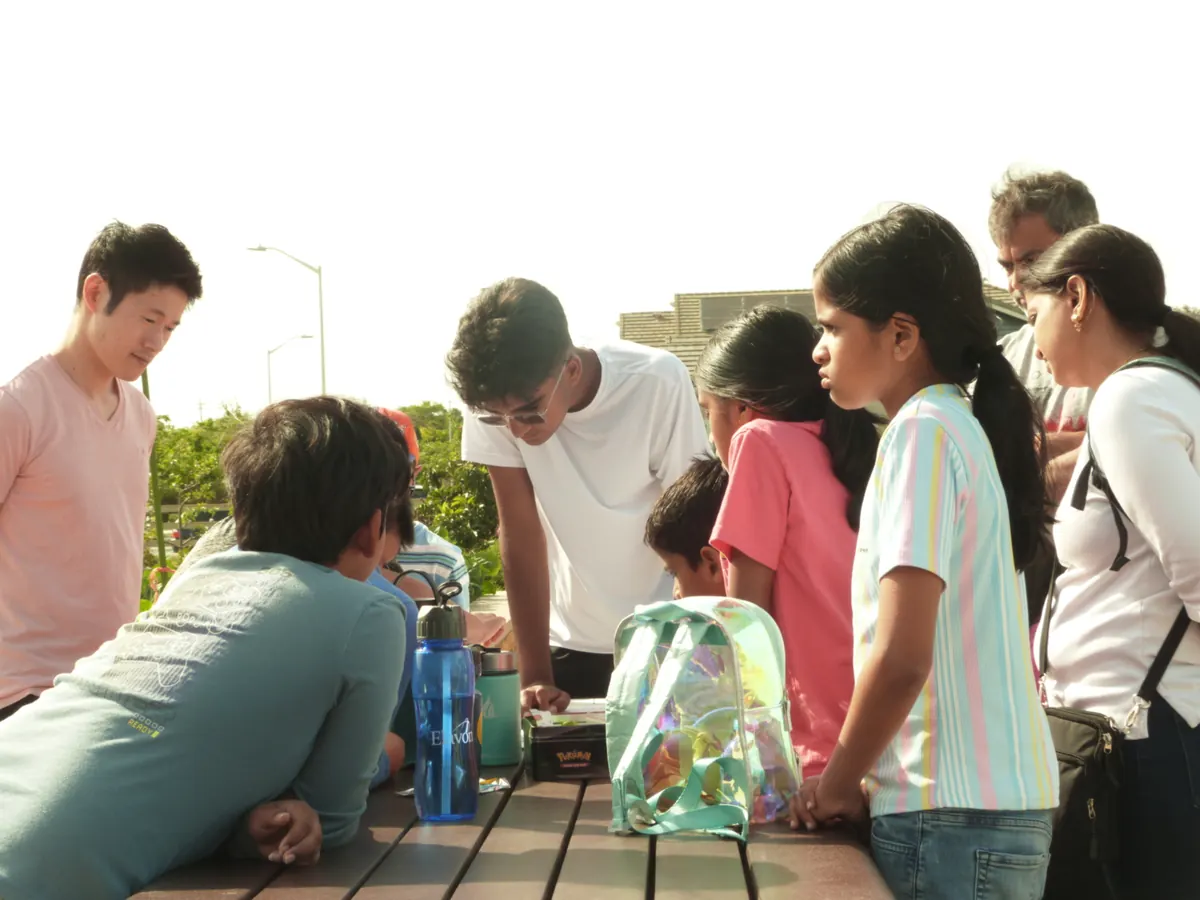
Free, hands-on sessions where kids touch real parts, see how things work, and hear instructors explain each component.
We've hosted several in-person workshops for local students, each built entirely around repurposed e-waste that's responsibly recycled afterward. Here's what students took away from each session, most recent last.
March 1, 2026 • Fremont, CA
More than 40 students and family members took apart desktop computers, monitors, and a 3D printer, and left able to point out which part of a machine does what.
What students walked away with
- Told memory apart from storage, and said why a computer needs both
- Traced a cable from the power supply to the part it feeds
- Explained what a stepper motor moves on a 3D printer
- Separated the parts that display an image from the parts that control it
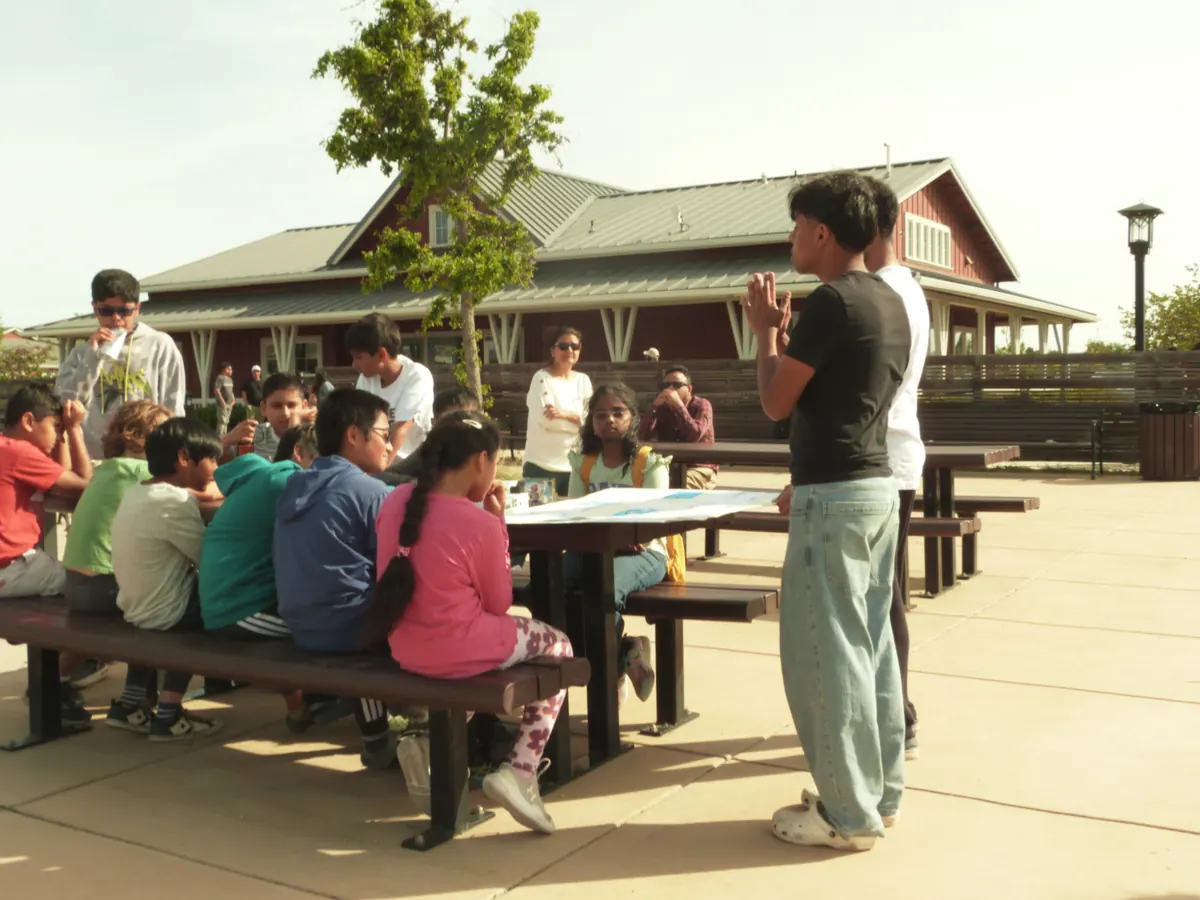
When: March 1 · 3:30 PM – 5:30 PM · Age Group: 8–12 years · Duration: 2 hours · Group Size: 7–8 kids per group · Patterson Ranch benches outside the red barn · 5298 Rancho Del Norte Dr, Fremont, CA 94555
Stations & Activities
Station 1: Desktop Computer
- RAM sticks (remove & insert)
- Hard drive / SSD
- Cooling fan & cables
- Expansion cards & motherboard
- Find the brain (CPU)
- Find memory vs. storage
- Trace a cable from power supply to part
- Spin fan — why cooling matters
Station 2: 3D Printer
- Stepper motors
- Belts and pulleys
- Metal rods & circuit board
- Connection & control cables
- Move print head by hand
- Follow wires from motors to circuit board
- Identify each motor's purpose
Station 3: Monitor
- Back casing & control buttons
- Circuit boards (main & button)
- Ribbon cables & ports
- Screen layers (light touch only)
- Display parts vs. control parts
- Ribbon cables vs. power wires
- Which sends signals? Which sends power?
April 19, 2026 • Fremont, CA
Students worked through circuit boards, motors, routers, and modems — taking each apart, following the signal through it, and putting it back together.
What students walked away with
- Found the processor on a bare circuit board and traced a path between components
- Reversed a motor's leads and predicted which way it would turn
- Followed the wiring from a motor back to its driver board
- Worked out which ports on a router carry internet in and which carry it out
When: April 19 · 3:30 PM – 5:30 PM · Age Group: Grades 3–8 · Duration: 2 hours · Group Size: 7–8 kids per group · 5298 Rancho Del Norte Dr, Fremont, CA 94555
Stations & Activities
Station 1: Circuit Boards
- Solder points & traces
- Capacitors & resistors
- Chips & processors
- Connectors & headers
- Find the biggest chip — the board's brain
- Trace a path between two components
- Spot where power enters the board
- Reassemble the board you took apart
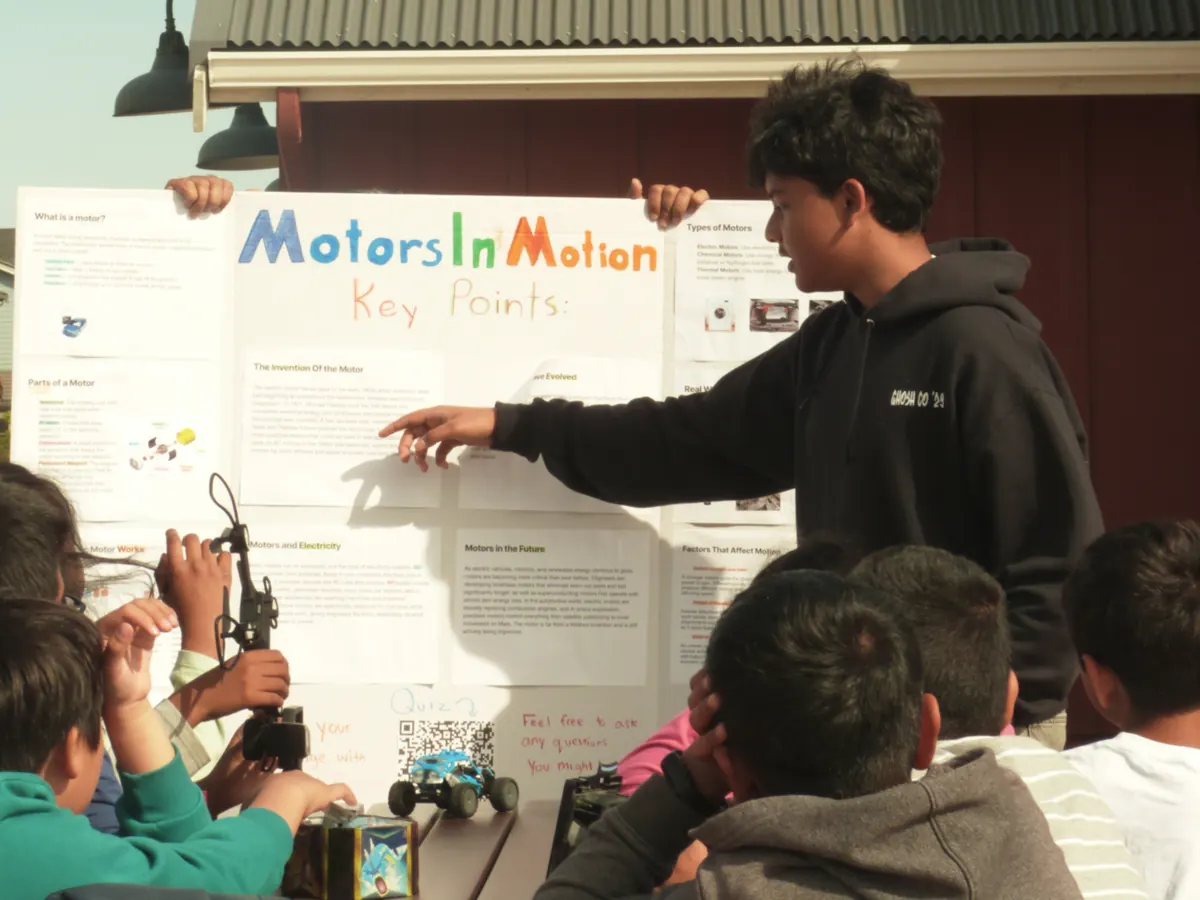
Station 2: Motors in Motion
- DC motors
- Gears & shafts
- Motor driver board
- Power & control leads
- Spin a motor by hand
- Reverse the leads to change direction
- Follow wires from motor to driver
- Identify what each motor moved
Station 3: Wi-Fi Routers & Modems
- Antennas
- Main circuit board
- Ethernet & phone ports
- Status LEDs
- Which ports carry internet in vs. out?
- Find the antenna connections
- Signal path vs. power path
- What does each blinking light mean?
June 28, 2026 • Fremont, CA
Students opened a hard drive, stripped a Chromebook to its motherboard, and wired up sensors — covering how data is stored, how a laptop is built, and how an embedded system reads the world around it.
What students walked away with
- Opened a hard drive, found the platter, and compared it to an SSD
- Explained why storage has shrunk while holding more
- Reassembled a Chromebook's layers in the right order
- Sorted sensor-board parts into inputs and outputs, and named a real-world use for each
When: June 28 · 4:30 PM – 6:30 PM · Age Group: All ages welcome · Duration: 2 hours · Group Size: 7–8 kids per group · 5298 Rancho Del Norte Dr, Fremont, CA 94555
Stations & Activities
Station 1: Storage & Memory
- Hard drive (platters & head)
- SSD & flash chips
- RAM sticks
- SD cards & USB drives
- Memory vs. storage — what's the difference?
- Open a hard drive and find the platter
- How has storage shrunk over time?
- Which is faster, an HDD or an SSD?
Station 2: Inside a Chromebook
- Motherboard & CPU
- Battery & power board
- Keyboard & trackpad ribbons
- Display connector
- Find the brain (CPU)
- Trace power from battery to board
- Follow the ribbon cables
- Reassemble the layers in order
Station 3: Sensors & Embedded Systems
- Microcontroller board
- Temperature & light sensors
- Buttons & LEDs
- Connecting wires
- Which part is the 'computer' on this board?
- What does each sensor measure?
- Sort the parts: input vs. output
- Where would this chip be used in real life?
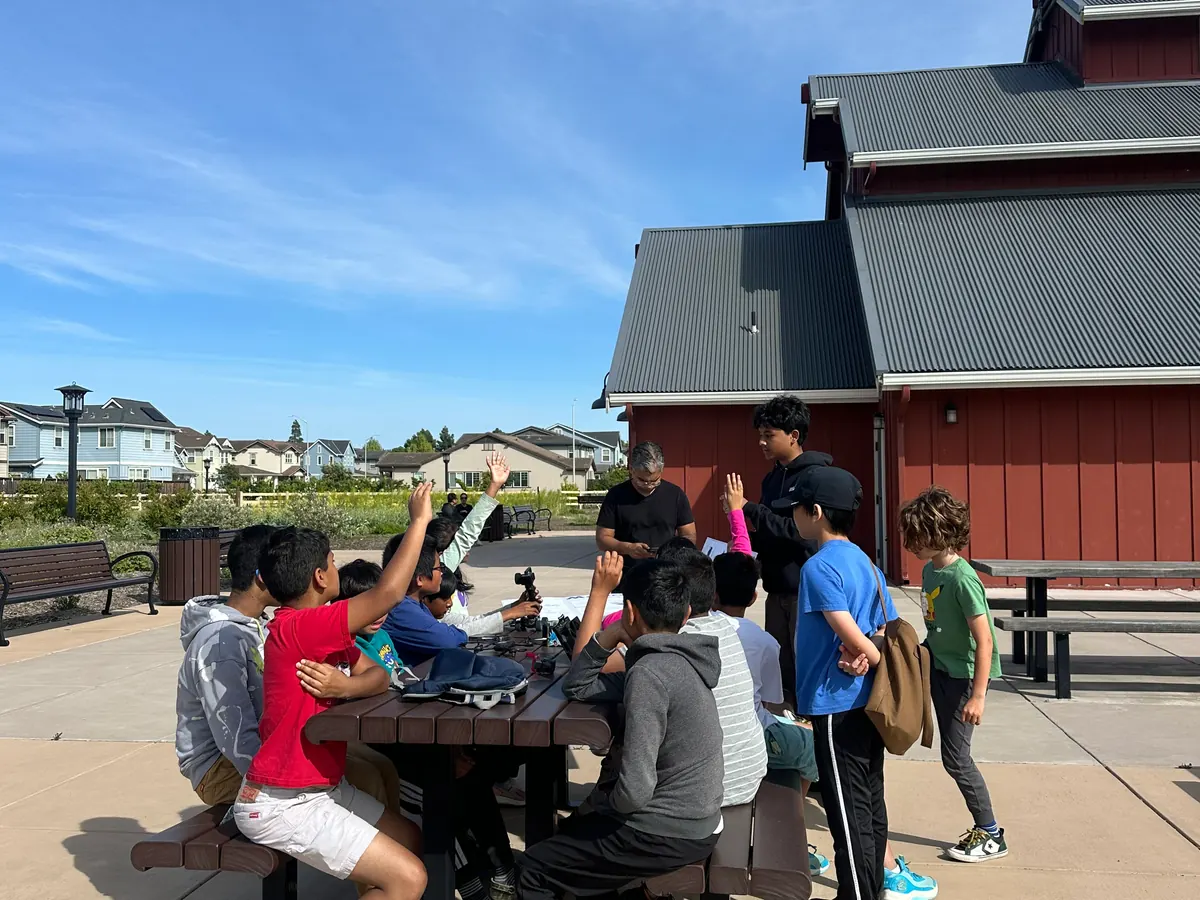
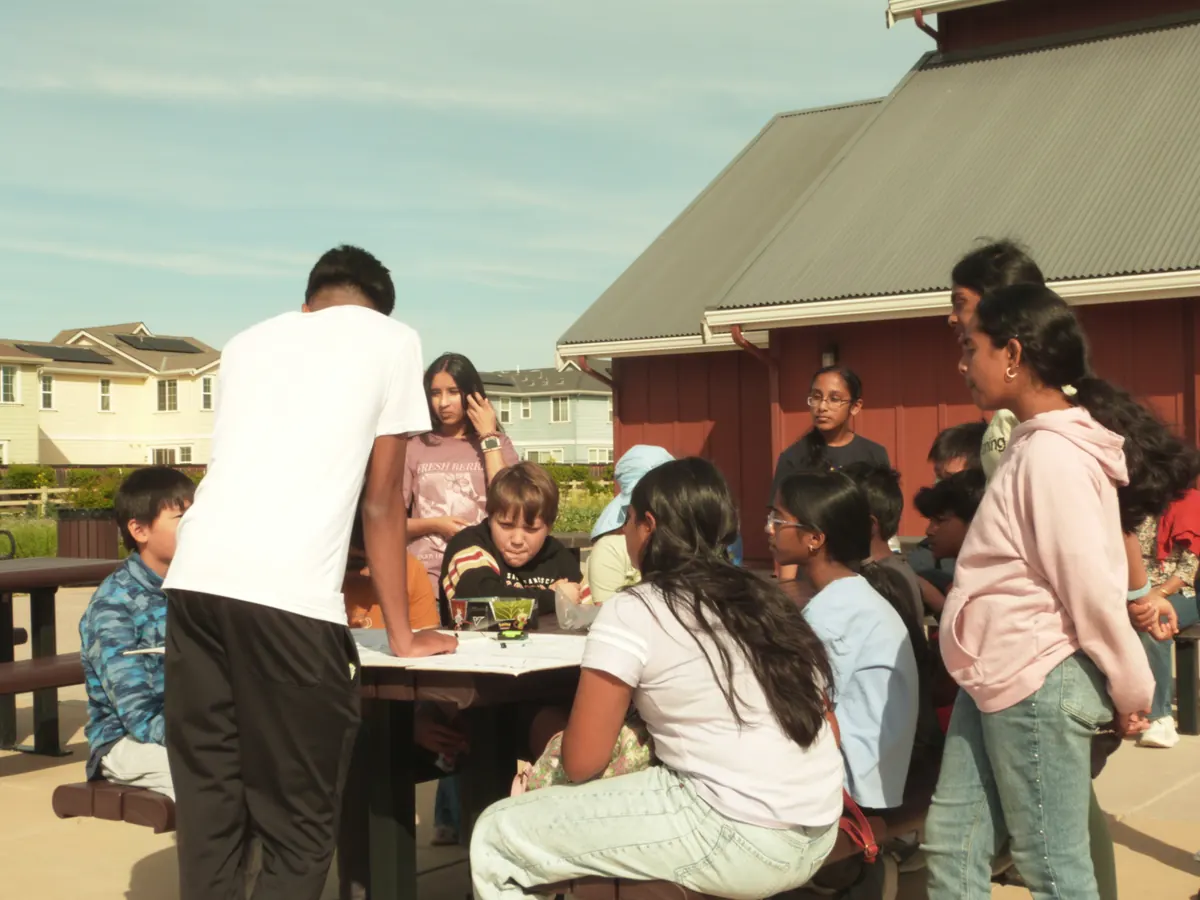
Workshop & Impact Photos
View full album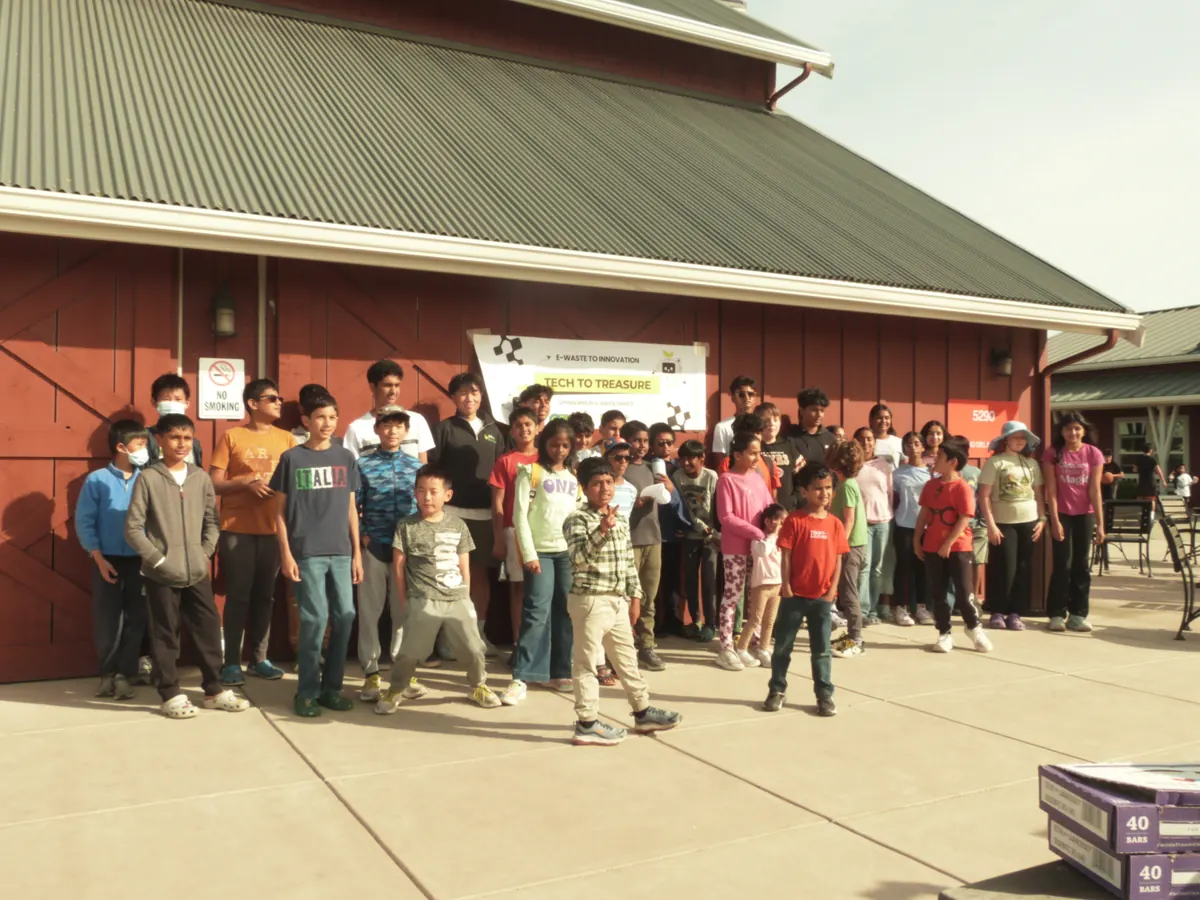
For Parents & Schools
Common Questions
What the workshops cost, who they are for, what students actually do, and where the parts end up.
Are the Tech to Treasure workshops free?
Yes. The workshops are free to attend. Every device students take apart is donated e-waste that would otherwise have been thrown away, which is what keeps the sessions free to run.
What ages are the workshops for?
It has varied by session. We have run workshops for ages 8 to 12, for grades 3 to 8, and one open to all ages with families welcome. Students work in station groups of about seven or eight, so each group stays small enough for an instructor to work with directly.
What do kids actually do at a workshop?
They take real hardware apart at three stations and put it back together. Depending on the session that has meant opening a hard drive to find the platter, stripping a Chromebook down to its motherboard, reversing a motor's leads to change its direction, or tracing which ports on a router carry the internet in and out. Each station comes with guided prompts an instructor works through with the group.
Is it safe for children to take apart electronics?
Every station is instructor-led and the devices are prepared before students touch them. Some components are handled by touch only rather than opened — screen layers, for instance — and the parts that come out are chosen for the age group at each session.
Where are the workshops held?
Our in-person sessions have been held in Fremont, California, at 5298 Rancho Del Norte Dr, including outside the red barn at Patterson Ranch. We have also run a virtual workshop online for students who could not attend in person.
What happens to the devices after a workshop?
The parts that are still useful stay in our kit for the next session. Everything else is responsibly recycled through e-waste channels with our recycling partners, which is the point of the program: the devices get one more job before they are recycled rather than going straight to a landfill.
Can I donate old electronics for the workshops?
Yes. Old computers, laptops, monitors, routers, and similar devices are what the workshops are built from. Email outreach@bintobetter.org with the type of device, how many you have, and your location, and we will arrange it.
How do I hear about the next workshop?
Join the mailing list from our Get Involved page, or email outreach@bintobetter.org and ask to be told about the next session. Parents and guardians should be the ones to sign up for students under 13. Our Discord is for participants aged 13 and older.
What is the Tech to Treasure Environmental Bootcamp?
We have run two bootcamps, each with six sessions. Fifty students joined the first and 100 joined the second, building 35+ sustainability projects in total with mentorship running the whole way. The first bootcamp's projects are published in a public GitHub repository, so the code students wrote can be read and built on by anyone, and we will link the second bootcamp's repository once it is ready.
Get Involved
Parents and guardians can email us or join the mailing list for workshop updates. Discord is only for participants age 13 and older.